
Building a Secure Web3 Mobile Wallet on Android
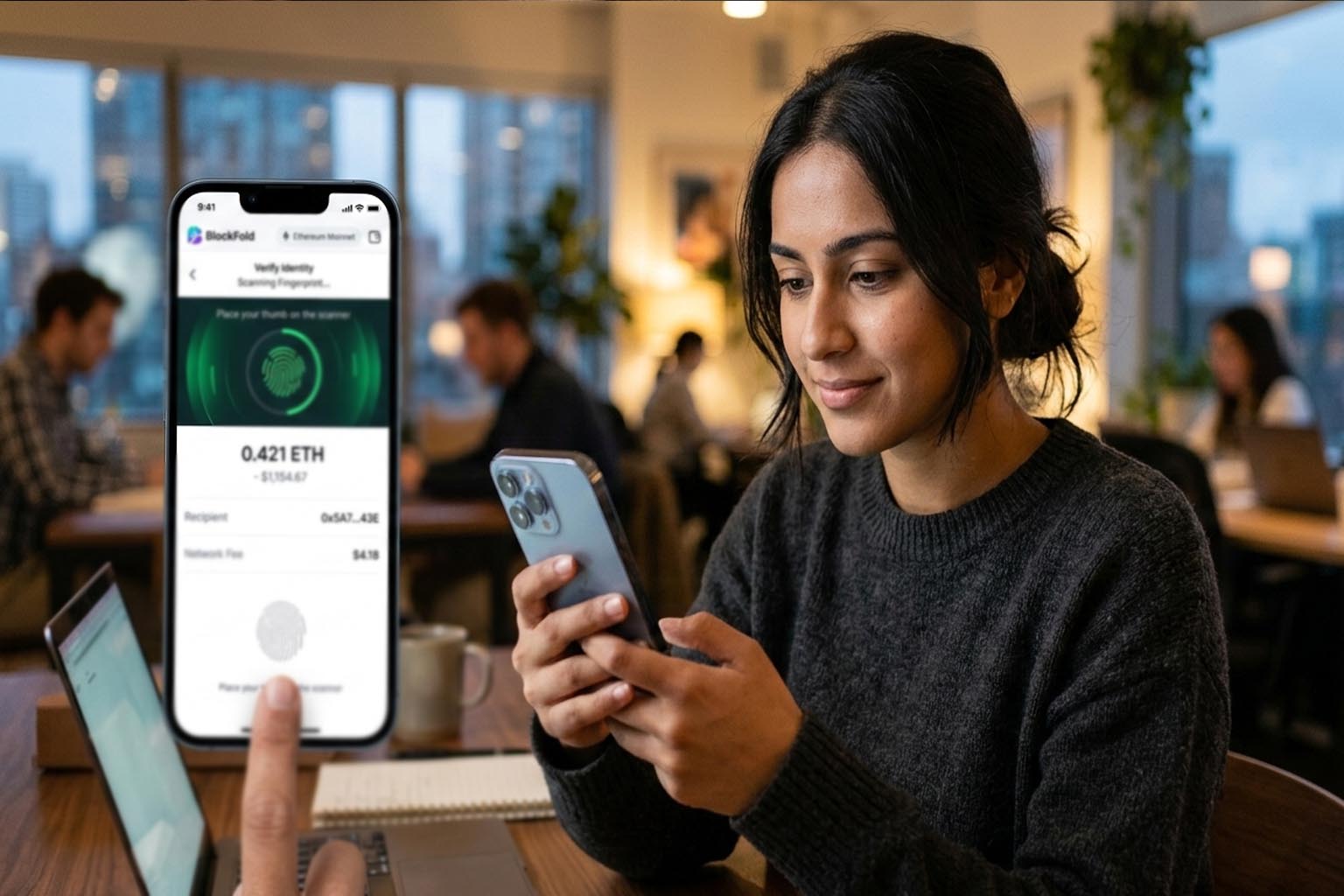
A Web3 wallet on Android is not just another app. It is a private key vault, a transaction signer, a network client, and a phishing target all packed into one icon on a home screen. If you ship insecure code, users do not lose points. They lose funds. That reality changes how you design, code, and test every layer of the stack.
Shipping a secure mobile wallet requires disciplined threat modeling, hardened key storage, and UX patterns that actively protect users from scams. Distribution matters too. If you publish an apk file outside official stores, you must ensure users can verify integrity and authenticity. Security does not stop at cryptography. It starts with architecture and ends with human behavior.
Quick Security Summary
- Define a clear threat model before writing code
- Store private keys inside Android Keystore with hardware backing
- Separate signing logic from UI and networking layers
- Design transaction screens that reduce phishing risk
- Validate contracts, addresses, and network responses defensively
Start with a Real Threat Model
Security begins long before implementation. You need a threat model that identifies assets, attackers, and attack surfaces. In a Web3 wallet, the primary asset is the private key. Secondary assets include seed phrases, session tokens, cached transaction data, and biometric authentication states.
Attackers range from malware on the device to malicious dApps, compromised RPC endpoints, and social engineering campaigns. Each of these has different capabilities. A malicious dApp can trick the user into signing harmful transactions. Malware can attempt to scrape memory. A rogue WiFi network can tamper with unencrypted traffic.
Break the system into components. UI layer. Key management module. Networking client. Local database. Signing engine. Then enumerate entry points for each. This structured thinking mirrors the lifecycle concepts covered in smart contract lifecycle discussions, except here the focus is the mobile client rather than on chain code.
Key Storage on Android, Hardware First
Private keys must never be stored as raw strings in SharedPreferences or SQLite. That is a baseline rule. On Android, use the Android Keystore system. It allows you to generate and store cryptographic keys in a secure container. On devices with hardware backed security modules, keys never leave secure hardware.
There are two common patterns.
1. Generate the wallet private key inside secure hardware and store only a reference in the app.
2. Encrypt the seed phrase with a key derived from hardware backed Keystore and store the encrypted blob locally.
The first option offers stronger guarantees but can complicate backup and recovery flows. The second is more flexible but demands careful key derivation and encryption practices. Use AES GCM for symmetric encryption and enforce strong authentication before decryption.
Biometric prompts should gate access to signing operations. Use BiometricPrompt API and require user presence for high value transfers. Avoid silent signing. A wallet that signs without clear user intent is a wallet that will be abused.
Signing Architecture and Transaction Integrity
Separate transaction construction from signing. The UI gathers user input. The networking layer fetches nonce, gas price, and chain ID. The signing module only receives a fully constructed transaction object and returns a signature.
This modular design reduces accidental leakage of private keys into other layers. It also simplifies testing. If you have worked through patterns in secure wallet best practices, you will recognize the emphasis on isolation and minimal trusted code.
Always validate chain ID before signing. Replay attacks are still relevant on networks that share transaction formats. Confirm that the transaction you sign targets the expected network. Mismatched chain IDs can drain assets if a user believes they are on testnet but signs on mainnet.
Display transaction details in a structured, readable format. Show recipient address with checksum formatting. Show token symbol and decimals resolved from verified metadata. If interacting with ERC20 or ERC721 contracts, decode method signatures and parameters clearly.
Designing the Do Not Get Phished Layer
Many wallet losses are not due to broken cryptography. They are due to deceptive UX. A phishing resistant wallet uses friction intentionally. Not annoying friction. Protective friction.
Create a clear signing screen with these elements.
- Full recipient address with copy and verify option
- Resolved ENS name only if verified
- Gas fee in native token and fiat estimate
- Contract interaction warning when calling unknown methods
After this list, add context warnings. If a dApp requests unlimited token approval, show a specific alert. Explain what unlimited means. Offer a custom allowance field instead of defaulting to max uint256.
Introduce address book labels. If a transaction goes to a new address, show a new contact warning. If it goes to a labeled trusted address, show that label clearly. Humans respond to names more than hex strings.
Network Security and RPC Hygiene
Your wallet talks to RPC endpoints constantly. A compromised endpoint can manipulate responses. It can hide pending transactions or show misleading balances.
Use HTTPS with certificate pinning for known RPC providers. Validate JSON responses strictly. If the nonce returned by RPC is inconsistent with locally tracked pending transactions, flag it.
Consider supporting multiple RPC endpoints and cross checking critical values such as gas price and block number. This redundancy reduces single point of failure risk.
| Layer | Primary Risk | Mitigation |
|---|---|---|
| Key Storage | Key extraction | Hardware backed Keystore |
| Networking | Tampered RPC data | HTTPS and pinning |
| UX | Phishing prompts | Explicit transaction previews |
Secure Coding and Dependency Discipline
Mobile wallets depend on cryptographic libraries, JSON parsers, and Web3 SDKs. Each dependency expands your attack surface. Audit dependencies. Pin versions. Avoid abandoned libraries.
Implement strict ProGuard or R8 rules to minimize reverse engineering surface. Obfuscation does not replace security, but it raises the bar for casual attackers.
Follow secure coding guidance from established sources such as the OWASP Mobile Top 10. It outlines common mobile vulnerabilities such as insecure storage, improper platform usage, and insufficient cryptography. Align your wallet audits with these categories.
Testing, Fuzzing, and Adversarial Scenarios
Unit tests are not enough. You need adversarial testing. Simulate malicious dApps that request signatures of arbitrary data. Test malformed transaction payloads. Fuzz JSON RPC responses.
Set up instrumentation tests that attempt to access private key storage from outside intended components. Confirm failures are handled gracefully and do not crash the app. Crashes during signing flows can create confusing states that users misinterpret.
Run static analysis tools. Use dynamic analysis on rooted test devices. Inspect memory dumps. Confirm no plaintext seed phrase appears in logs or crash reports.
Distribution, Updates, and Supply Chain Trust
Distribution is part of the security model. If users install modified builds, all prior hardening is irrelevant. Sign releases with a secure key stored offline. Rotate signing keys only under strict policy.
If you distribute outside the Play Store, publish checksums and signature verification instructions. Encourage users to verify integrity before installation. This step reduces risk of tampered binaries circulating in unofficial channels.
Implement in app update checks over secure channels. Notify users of critical security patches clearly. Do not rely on passive updates alone. Security updates must be visible and urgent.
Human Factors That Decide Everything
No wallet is safe if users are confused. Security UX should educate without overwhelming. Provide contextual help links. Explain what a seed phrase is during onboarding. Emphasize that no support agent will ask for it.
Introduce progressive disclosure. Advanced settings such as custom gas or manual nonce editing should be hidden behind clear warnings. Casual users should not accidentally break transaction ordering.
Implement rate limits on sensitive actions. For example, multiple failed biometric attempts should require device passcode. Rapid consecutive large transfers should trigger confirmation prompts.
Shipping with Confidence on Android
A secure Web3 mobile wallet on Android is built layer by layer. You start with a threat model. You enforce hardware backed key storage. You isolate signing logic. You harden networking. You design transaction screens that fight phishing.
Security is not a feature you add at the end. It is the product. Each architectural choice either protects user funds or exposes them. If you treat every line of code as part of a financial system, you will build differently. And your users will sleep better knowing their keys remain theirs.